How to Deactivate Shopify Store a Guide
- 1.
So… You’re Ghosting Shopify? We Get It.
- 2.
Pause vs. Deactivate vs. Delete: Know the Difference (’Cause Shopify Sure Does)
- 3.
Before You Hit Pause: The 5-Minute “Don’t Regret This Later” Checklist
- 4.
Step-by-Step: Pausing Your Store (The $9/Mo “Time-Out”)
- 5.
Fully Deactivating: When You’re Done (But Not *Forever* Done)
- 6.
The Nuclear Option: Deleting Your Shopify Store (RIP, Gherkin Empire)
- 7.
Does Shopify Still Charge You? Let’s Get Brutally Honest.
- 8.
What Happens to Your Domain, Email, and Apps? (Spoiler: They Don’t Auto-Vanish)
- 9.
Reactivating Later? Here’s How to Rise from the Ashes
- 10.
Avoiding the Top 4 Shopify Deactivation Disasters
Table of Contents
how to deactivate shopify store
So… You’re Ghosting Shopify? We Get It.
Ever dated someone who *seemed* perfect—great interface, smooth checkout flow, even remembered your birthday (okay, fine, it was a discount code)—only to realize they’re charging you $29 a month just to *exist*, like a digital gym membership you never use? Yeah. That’s Shopify when business slows down, life pivots, or your “artisanal pickled gherkin” side hustle got *too* artisanal. If you’re here wondering how to deactivate shopify store without burning bridges—or your credit card—we’re your sober friend holding your keys at 2 a.m. Let’s walk through this like grown-ups: no panic, no FOMO, just clear, caffeinated clarity on how to deactivate shopify store the *right* way.
Pause vs. Deactivate vs. Delete: Know the Difference (’Cause Shopify Sure Does)
Y’all—this ain’t semantics. It’s your bank account.
- ⏸️ Pause (Shopify’s “Pause and Build” plan): $9/mo. Store’s live but checkout’s *off*. You can still tinker in the backend. Ideal for seasonal biz or maternity leave.
- ⏹️ Deactivate: Not a formal button—means *downgrading* out of active plans. Technically, you stop paying *for selling*, but domains/email may linger.
- 🧨 Delete: Full wipe. Store, data, everything—gone in 30 days. And *no*, it ain’t reversible. Like sending a text at 11:58 p.m. that you *definitely* regret by sunrise.
Before You Hit Pause: The 5-Minute “Don’t Regret This Later” Checklist
We’ve seen it: brilliant founder deactivates their store, then texts us at midnight: *“Wait—did my customer list auto-download?!”* Nope. So here’s your pre-flight checklist for how to deactivate shopify store without tears:
- ✅ Export *everything*: customers, orders, products (Settings → Data Export)
- ✅ Download themes (Online Store → Themes → ⋮ → Download theme file)
- ✅ Cancel third-party apps (those $19/month upsell bots don’t auto-cancel)
- ✅ Backup domain DNS records (if using Shopify-managed domain)
- ✅ Notify customers: a simple “We’re hibernating—but back soon!” email builds goodwill
Step-by-Step: Pausing Your Store (The $9/Mo “Time-Out”)
Wanna keep your URL, SEO juice, and theme intact—but stop taking orders? That’s the **Pause and Build** plan. Here’s the *actual* path (’cause Shopify hides it like Easter eggs in a cornfield):
Settings → Plan and permissions → Compare plans → Pause and Build → Switch planBoom. Your homepage stays up. Product pages? Live. Add-to-cart? ❌ Dead. Admin access? Full. And—*key detail*—you keep access to Shopify Email credits (if unused). This is the *cleanest* version of how to deactivate shopify store when you’re not done—just rebooting.
Fully Deactivating: When You’re Done (But Not *Forever* Done)
If “Pause” feels too… committed, and “Delete” too final, here’s the gray-zone play: downgrade to **Shopify Lite** ($9/mo) or *cancel your subscription entirely*.
Downgrading to Shopify Lite for Minimal Footprint
Lite lets you embed buy buttons on social or a simple website—no full store. Still $9/mo, but *way* lighter. Great if you wanna sell via Instagram or pop-up markets. Keeps your brand alive without the overhead.
Cancelling Your Plan (Yes, It’s Possible)
Go to Settings → Plan and permissions → Cancel subscription. You’ll get one final invoice. After that? Your store goes *password-protected* for 30 days—then archived. You can still log in, export data, or reactivate. Crucial: **domains auto-renew unless you manually disable it**. Miss that? Congrats, you just paid $20 for a ghost URL. That’s the sneaky tax in how to deactivate shopify store done sloppy.
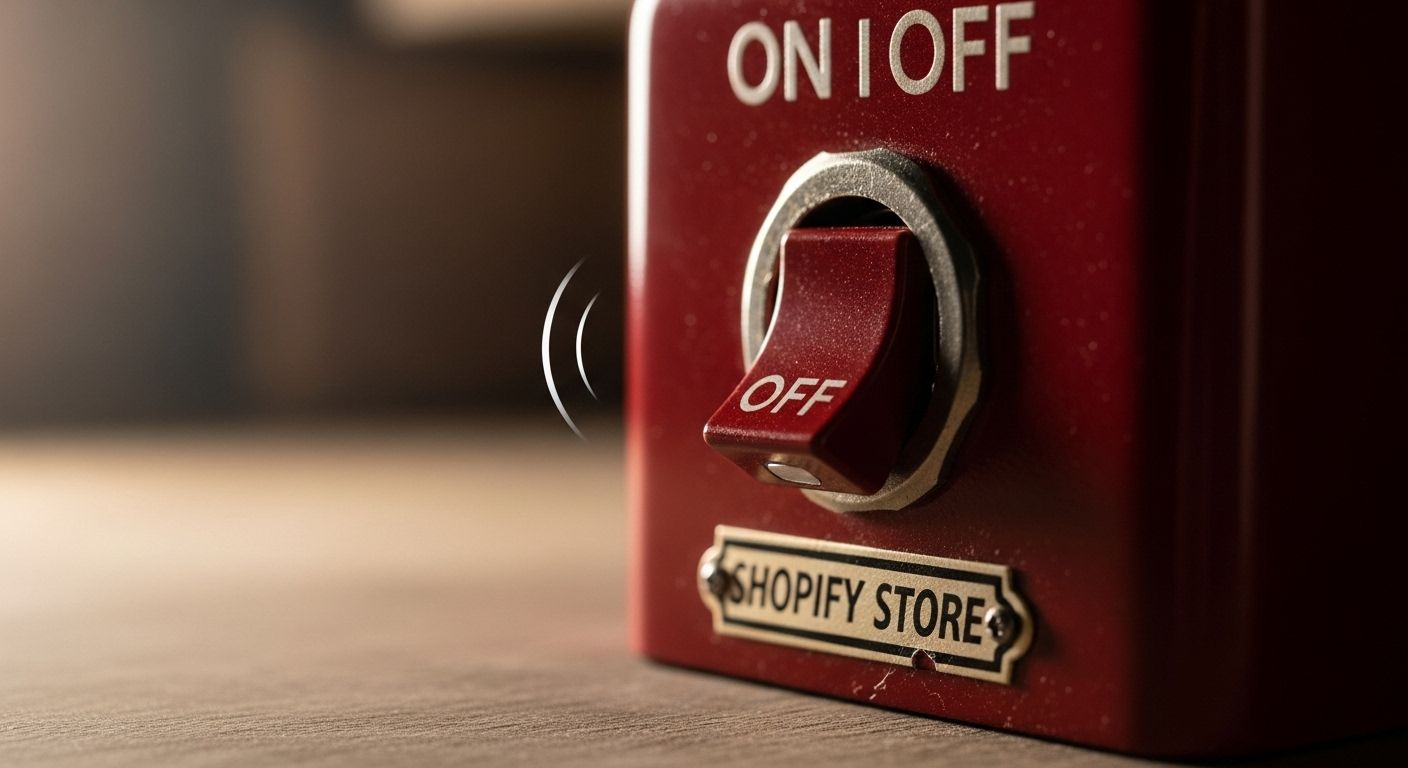
The Nuclear Option: Deleting Your Shopify Store (RIP, Gherkin Empire)
You’re *sure*. Like, “burned the business cards, returned the custom apron, donated the pickling jars to Goodwill” sure. Then—and *only* then—proceed to **Settings → Plan and permissions → Deactivate store → Delete store permanently**. Shopify gives you *two* confirmations (bless their paranoid hearts), then a 30-day grace period. After that? POOF. ⚠️ Warning: - All data *gone*. No recovery. - Connected domains *not* deleted—you must cancel those separately. - Third-party logins (Facebook, Google) *not* revoked automatically. This ain’t a pause—it’s a eulogy. Respect the finality in how to deactivate shopify store when it’s truly over.
Does Shopify Still Charge You? Let’s Get Brutally Honest.
Here’s the tea, no sugar:
| Action | Charges After? | What Sticks Around |
|---|---|---|
| Pause and Build ($9/mo) | ✅ $9 flat | Store live (no checkout), themes, apps, domains |
| Cancel Subscription | ❌ No *plan* fee ✅ Domain renewal (if auto-on) ✅ App subscriptions (if not canceled) | Password-protected store (30 days), data export window |
| Delete Store | ❌ Plan & data fees stop ✅ Domain renewal (still YOUR job to cancel) ✅ Pending invoices (e.g., shipping labels) |
What Happens to Your Domain, Email, and Apps? (Spoiler: They Don’t Auto-Vanish)
Your Shopify domain? It’s *yours*—but Shopify auto-renews it unless you say “nah.” Head to Settings → Domains → Manage → Auto-renewal: OFF. Shopify Email credits? Expire after 90 days of inactivity—use ’em or lose ’em. Third-party apps? They keep billing *their* fees—even if your store’s a tombstone. Log into each (ReCharge, Klaviyo, etc.) and cancel *there*. Miss any of this, and your “deactivated” store becomes a zombie—still eating your cash. That’s the hidden fine print in how to deactivate shopify store most blogs won’t tell you.
Reactivating Later? Here’s How to Rise from the Ashes
Took a sabbatical? Market shifted? Kids finally outta college? Good news: if you *paused* or *canceled* (but didn’t delete), reactivation’s smooth:
- Log in (still works for 30+ days post-cancel)
- Go to Settings → Plan and permissions → Choose plan
- Restore themes, re-enable payment gateways, reconnect apps
- Flip password protection off → BOOM, you’re live
Avoiding the Top 4 Shopify Deactivation Disasters
Let’s tally the horror stories we’ve fielded (so you don’t join the list):
- 💥 “I forgot to cancel my domain!” → $20/year ghost charge
- 💥 “My app subscriptions kept billing!” → $200+ in zombie fees
- 💥 “I deleted before exporting orders!” → Tax season nightmare
- 💥 “I thought ‘deactivate’ = ‘delete’!” → Panicked reactivation 28 days later
For more on building (or unbuilding) with intention, swing by Public Market, browse our Ecommerce archives, or prep for launch with how to open a boutique online a guide.
Frequently Asked Questions
How do I delete my Shopify account permanently?
To fully execute how to deactivate shopify store via deletion: log in → Settings → Plan and permissions → Deactivate store → Delete store permanently. Confirm twice. Your store enters a 30-day archive—then all data is erased. Note: domains, apps, and email credits require *separate* cancellation. Once gone, it’s irreversible—so export everything first. This is the final step in how to deactivate shopify store when you’re truly done.
Does Shopify still charge you if you deactivate your account?
It depends. If you *pause* (Pause and Build plan), you pay $9/month. If you *cancel your subscription*, Shopify stops charging *for the plan*—but domains auto-renew (unless disabled), and third-party apps keep billing. Only *deleting* the store halts core fees—but pending invoices (e.g., shipping labels) may still apply. Always audit billing *before* finalizing how to deactivate shopify store.
How long can I pause my Shopify store without?
Technically? Forever—if you stay on the **Pause and Build** plan ($9/mo). Your store remains visible (no checkout), and you keep full admin access. If you *cancel* instead, Shopify keeps your store password-protected for **30 days**, then archives it. After 90 days, they may reclaim the store name. For true flexibility in how to deactivate shopify store, $9/mo beats data loss.
How do I delete my store in Shopify?
True store deletion—part of how to deactivate shopify store permanently—requires: Settings → Plan and permissions → Deactivate store → Delete store permanently. You’ll confirm twice. Data stays recoverable for 30 days, then purged. ⚠️ Domains *won’t* auto-delete—you must cancel them separately under Settings → Domains. Skip this, and you’ll still get billed. That’s the hidden step in how to deactivate shopify store most miss.
References
- https://help.shopify.com/en/manual/your-account/managing-shopify-plan/pause-shopify-plan
- https://help.shopify.com/en/manual/your-account/managing-shopify-plan/cancel-shopify-plan
- https://help.shopify.com/en/manual/domains/shopify-domains/renewing-domains
- https://www.shopify.com/legal/terms