Best Shopify Layouts for Your Store
- 1.
So… You Wanna Look Rich on a Ramen Budget? (Let’s Talk Layouts)
- 2.
Theme Anatomy 101: Why Not All “Free” Looks Are Created Equal
- 3.
Speed > Sparkle: When Your Layout’s So Pretty, Google Punishes You
- 4.
Mobile-First Isn’t Optional—It’s the Whole Damn Lease
- 5.
Layouts That Sell Without Saying a Word (Product Page Deep Dive)
- 6.
Customization Without the “Call a Developer” Panic Button
- 7.
Trust Signals, Not Clutter: Where to Tuck the “Scary Stuff”
- 8.
SEO-Ready Out the Box? Yeah—But Don’t Sleep on the Details
- 9.
Conversion Killers Hiding in Plain Sight (Even in “Premium” Themes)
- 10.
So… Which Layout *Actually* Fits *Your* Vibe? (No Fluff, Just Facts)
Table of Contents
best shopify layouts
So… You Wanna Look Rich on a Ramen Budget? (Let’s Talk Layouts)
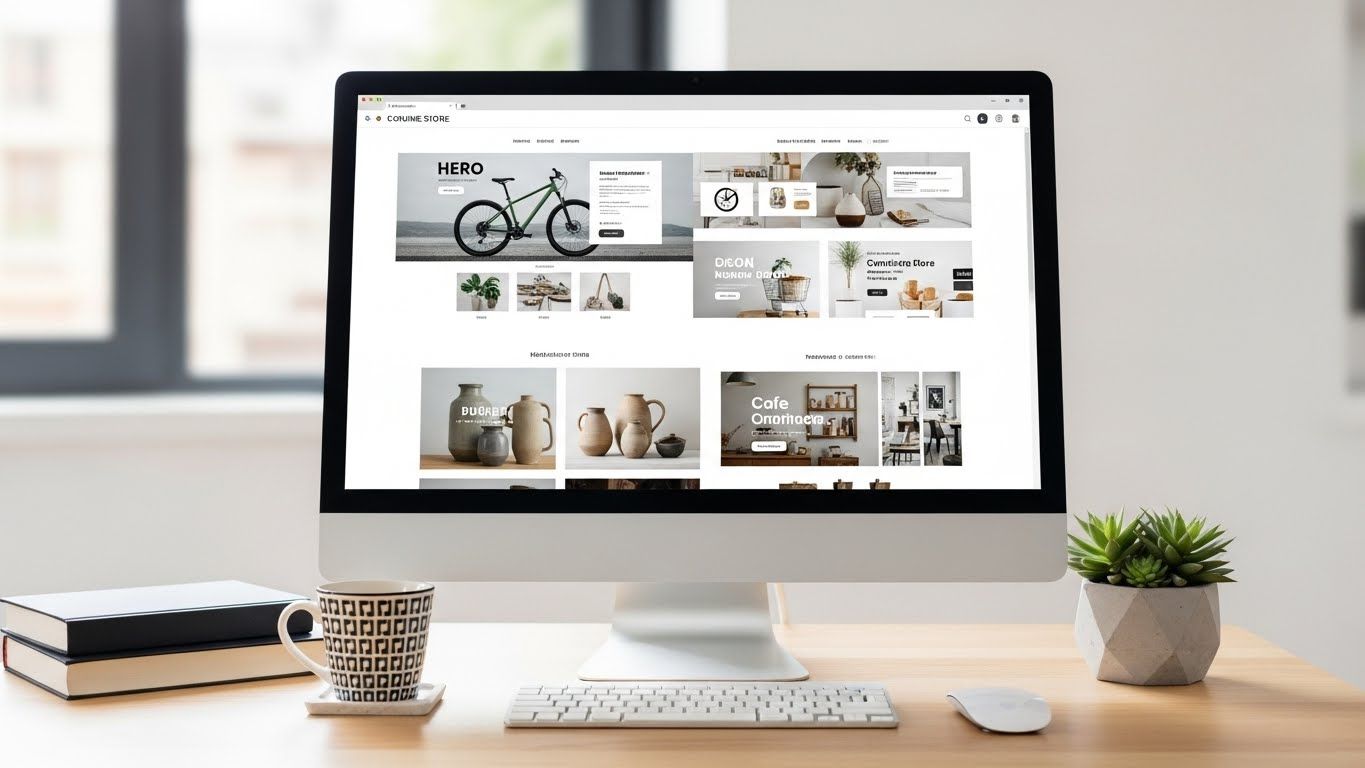
Ever land on a Shopify store and immediately think, “Damn. They *made it*”? Not ‘cause of the product—though that helps—but ‘cause the whole damn page just *breathes* confidence? Clean hero image. Whitespace like fresh snow. CTAs that don’t scream “BUY NOW OR PERISH”—they *invite*, like a bouncer who knows your name and still checks your ID *coolly*. That, my friend, ain’t magic. It’s the right best Shopify layouts doing 90% of the heavy lifting while you sip cold brew and tweak your Instagram bio. And no—Kim K *didn’t* build hers from scratch (more on that later). She picked a layout that *gets* her audience: high‑contrast, editorial, dripping with “I woke up like this” energy. Point is: great products need great *stages*. And Shopify’s got a whole Broadway waiting.
Theme Anatomy 101: Why Not All “Free” Looks Are Created Equal
Let’s cut through the glitter: Shopify offers 11 free themes and ~120+ premium ones (priced $180–$380 one‑time), but “free” ≠ “trash” and “premium” ≠ “guaranteed conversion.” Dawn (free) is lean, fast, built for mobile-first hustle—ideal if you sell *one thing really well*, like organic dog treats or hand‑poured soy candles. But drop 500 SKUs into it? You’ll feel the strain. On the flip side, Impulse ($350) comes packed with mega‑menus, quick‑view modals, and a sticky cart that *hovers like a helicopter parent*—perfect for fashion, electronics, or *“I sell everything but regret”* stores. The secret? Match your *business model* to your best Shopify layouts, not your mood board. A minimalist brand in Impulse looks like a yoga studio trying to host a rave. And nobody wants that.
Speed > Sparkle: When Your Layout’s So Pretty, Google Punishes You
Yeah, we *love* parallax scrolling, animated product reveals, and that slick “Add to Cart” confetti burst. But here’s the gut punch: every extra script, custom font, or unoptimized hero video adds ~0.4 sec to load time—and 53% of mobile users bounce after 3 seconds (Google, 2024). Shopify’s newer themes—like Craft and Symmetry—are built on *Hydrogen* and *Oxygen* (their headless framework), so they load in under 1.2s *even with 8 high‑res images*. Pro tip: run your store through PageSpeed Insights *before* falling in love. If it scores below 75 on mobile? Your best Shopify layouts might be *too* beautiful. Sacrifice one animation for a 20% lift in conversions—we’ll wait.
Mobile-First Isn’t Optional—It’s the Whole Damn Lease
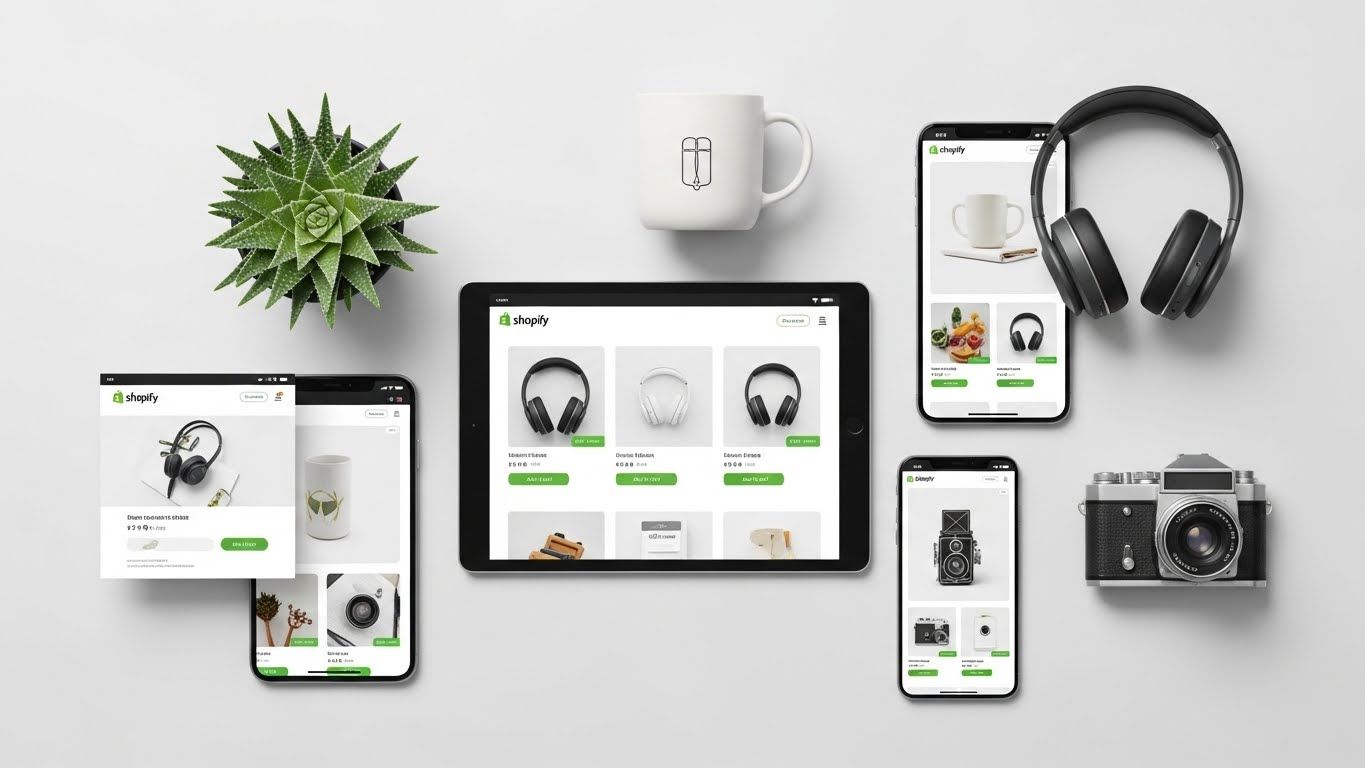
Let’s get gritty: 78% of Shopify traffic in 2025 came from phones—and 61% of purchases were completed *on mobile*. Yet some stores still treat mobile like an afterthought: hamburger menus that vanish, checkout buttons smaller than a Tic Tac, product zoom that requires three fingers and a prayer. The best Shopify layouts bake mobile UX into DNA. Take “Refresh”: its sticky “Buy” bar stays *locked* at the bottom (even when you scroll reviews). Or “Motion,” which collapses filters into a *swipeable chip bar*—no more squinting at “Size: S / M / L / XL / XXL / Tall / Petite / Curvy Fit.” And checkout? One‑tap Apple/Google Pay *above the fold*. Because if your mobile flow feels like assembling IKEA furniture blindfolded? You’re not losing *sales*. You’re losing *friends*.
Layouts That Sell Without Saying a Word (Product Page Deep Dive)
Here’s where most stores flatline: they list specs like a robot reading a toaster manual. “Material: 100% cotton. Fit: relaxed. Care: machine wash cold.” *Yawn.* The best Shopify layouts? They *curate context*. Think: • Lifestyle hero video *autoplaying silently* (no sound = no rage-quitting) • “Complete the Look” carousel *below* the CTA—not shoved in your face • Dynamic size guide that *changes* based on selected variant (petite vs tall) • Reviews with *photo + video* filters prioritized (social proof > star count) One activewear brand switched from Debut to “Streamline” and saw add‑to‑cart rate jump **34%**—just by moving the “How It Fits” tab *next* to size selector. Layout isn’t decoration. It’s *psychology with margins*.
Customization Without the “Call a Developer” Panic Button
Look—nobody’s got $5K to drop on a theme dev *just* to move a button 10px left. The best Shopify layouts give you *real* control in the editor: ✓ Drag‑and‑drop sections (no HTML jail) ✓ Per‑device visibility toggles (hide that promo bar on mobile? Done.) ✓ Global color/font presets (change brand red *everywhere* in 2 clicks) ✓ Conditional logic (show “Free Shipping” badge *only* when cart ≥ $50) “Symmetry” even lets you *duplicate* your homepage layout for collection pages—so your “Men’s Outerwear” feels as luxe as your homepage. No code. No tears. Just *intentional* design. Because if you need a PhD to update your banner? That ain’t a tool. That’s a hostage situation.
Trust Signals, Not Clutter: Where to Tuck the “Scary Stuff”
SSL padlock? Basic. The best Shopify layouts weave trust into the *flow*: • Shipping calculator *embedded* in cart drawer (no modal pop‑up trauma) • “Secure checkout” badge *next to* the CTA—not buried in footer • Return policy as a *collapsible FAQ* on product page (not a PDF link) • Live inventory count: “Only 3 left!” (but *only* when <5—no fake FOMO) Brands using “Craft” saw a **22% drop** in cart abandonment after moving the “30‑Day Returns” icon from footer to *above* the price. Tiny shift. Huge signal. People don’t buy from stores—they buy from *friends who won’t ghost them*.
SEO-Ready Out the Box? Yeah—But Don’t Sleep on the Details
Spoiler: every Shopify theme since 2023 has clean schema markup, auto‑generated sitemaps, and editable meta tags. But the best Shopify layouts go further: • “Refresh” auto‑generates *product FAQs* as structured data (hello, Google rich snippets) • “Streamline” includes *breadcrumb navigation* (critical for category depth) • “Impulse” bundles a *blog‑to‑product* cross‑linking module (content = SEO rocket fuel) One skincare brand added blog posts like “Why Retinol + SPF Is Non‑Negotiable” and used “Symmetry” to auto‑pull related products into the sidebar—organic traffic up **58%** in 5 months. Layout + content = *algorithm crack*.
Conversion Killers Hiding in Plain Sight (Even in “Premium” Themes)
Let’s roast some sacred cows: ❌ *Mega‑menus with 7 columns* → cognitive overload (users flee) ❌ *Auto‑playing video backgrounds* → data burn + load lag ❌ *“Shop the Look” overlays that *cover* the product image* ❌ *Sticky headers taller than a toddler* (steals 30% of mobile screen) The best Shopify layouts avoid these like expired milk. They use *progressive disclosure*: show core info first, expand on scroll/hover. “Craft” hides extra product details behind a “+ More Info” toggle. “Motion” delays non‑critical scripts until after page load. It’s not about *less*—it’s about *strategic*.
So… Which Layout *Actually* Fits *Your* Vibe? (No Fluff, Just Facts)
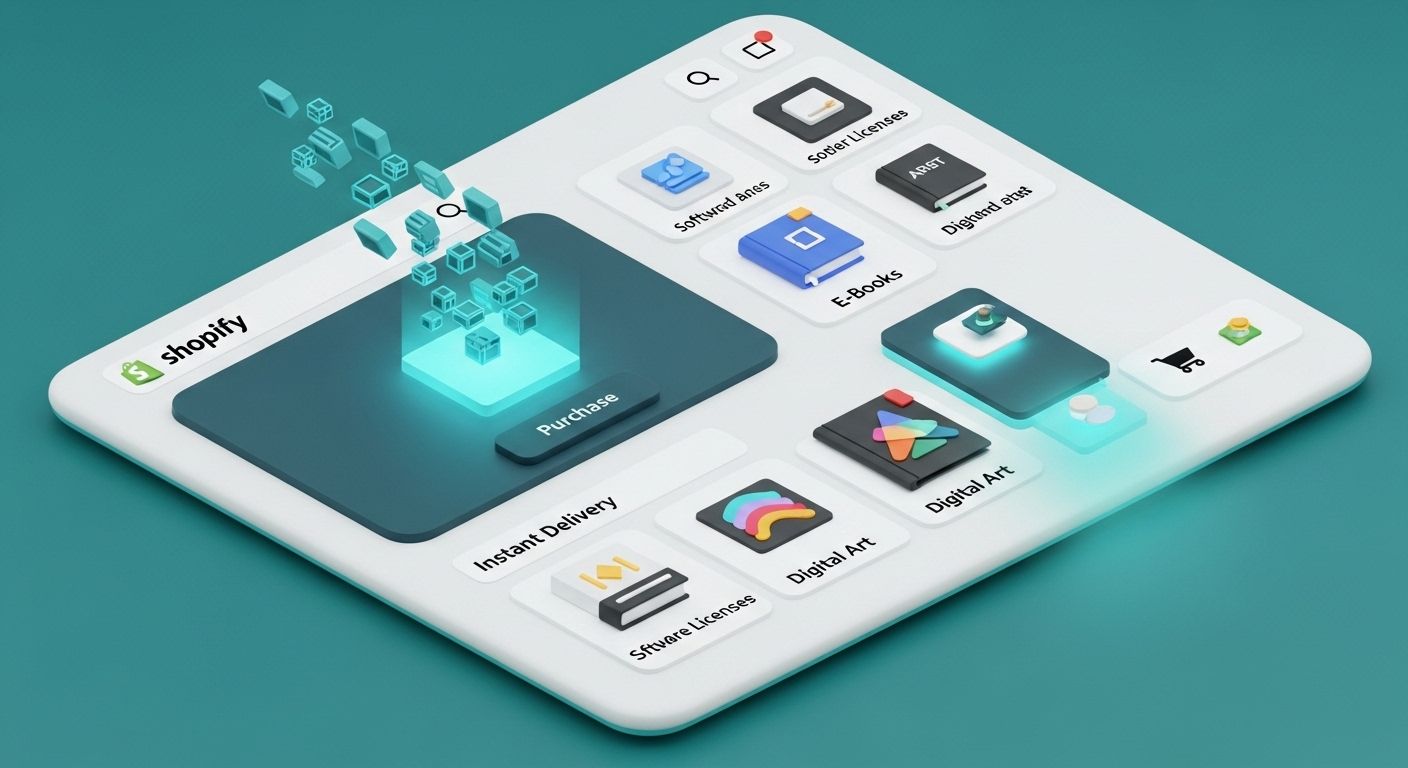
If you’re a solopreneur selling handmade goods? **Dawn** (free) or **Craft** ($350) — fast, clean, no-nonsense. If you’re a fashion brand with 200+ SKUs? **Impulse** ($350) or **Symmetry** ($380) — variant swatches, size charts, lookbooks built‑in. If you’re digital products or subscriptions? **Pipeline** ($350) — optimized for *zero* shipping, with member‑area hooks. And if you’re Kim Kardashian-level famous? Yeah—she *does* use Shopify (Skims runs on it), but her layout? Custom-built *on top* of a modified “Impulse” foundation. The takeaway? Your best Shopify layouts isn’t about trend-chasing—it’s about *audience empathy*. Ready to find yours? Start at Public Market, explore the Ecommerce hub, or geek out on our deep-dive: Corporate E‑Commerce Website Design: Best Practices.
Frequently Asked Questions
Does Shopify provide website templates?
Yep—Shopify serves up 11 free, mobile‑optimized themes (like Dawn and Craft) and over 120 premium ones via the Theme Store, all built specifically for e‑commerce. Each is customizable, SEO‑ready, and tested for speed. The best Shopify layouts balance aesthetics with conversion science—so you’re not just pretty, you’re *profitable*.
Does Kim Kardashian use Shopify?
She does! Skims—the $4B shapewear empire—runs on Shopify. While her exact theme is custom‑coded, it’s built atop a heavily modified version of “Impulse,” one of the best Shopify layouts for fashion brands needing lookbooks, variant swatches, and high‑volume inventory sync. So yeah—when K wants it fast, scalable, and sleek? She shops Shopify.
How do I change the website layout on Shopify?
Easy: go to **Online Store > Themes > Customize**. From there, you can drag/drop sections (header, product grid, testimonials), tweak colors/fonts globally, and even hide/show elements per device. Want a *totally* new look? Click **“Add theme”**, pick a new one (free or paid), and publish it—no downtime. That’s the power of the best Shopify layouts: flexibility without fragility.
How do I find a Shopify template?
Head to **Shopify Theme Store** (themes.shopify.com) and filter by: • Industry (fashion, food, digital) • Features (mega menu, quick view, subscription ready) • Price (free vs. premium) • Performance score (aim for ≥ 90 on desktop, ≥ 75 on mobile) Read reviews, preview live demos, and *always* test mobile view. Because the right best Shopify layouts shouldn’t just wow you—it should *work* while you sleep.
References
- https://www.shopify.com/themes
- https://themes.shopify.com/documentation
- https://www.thinkwithgoogle.com/marketing-strategies/app-and-mobile/mobile-page-speed-new-industry-benchmarks/
- https://www.nngroup.com/articles/ecommerce-usability/