How to Set Up an Ecommerce Site a Guide

- 1.
Ever Tried Building a Digital Store While Your Dog Stares Judgingly From the Couch?
- 2.
Know Thy E-Commerce: B2B, B2C, C2C, C2B—Wait, There’s Four?
- 3.
Platform Smackdown: Shopify, BigCommerce, WooCommerce, or “I’ll Just Code It Myself, Bro”
- 4.
Dolla Dolla (Reality) Check: What Does This Actually Cost?
- 5.
Your Homepage Is a Handshake—Make It Warm, Not Wet
- 6.
Product Pages That Don’t Read Like a Tax Form
- 7.
Checkout Flow: Where 7 Out of 10 Carts Go to Die (and How to Save ‘Em)
- 8.
LLC, Sole Prop, or “I Swear This Is Legit” Handshake?
- 9.
SEO, Social, and the Myth of “Build It and They Will Come”
- 10.
Launch Isn’t the Finish Line—It’s Lap One
Table of Contents
How to Set Up an Ecommerce Site
Ever Tried Building a Digital Store While Your Dog Stares Judgingly From the Couch?
Yeah—us too. You’ve got the product idea (*artisanal hot sauce infused with ghost pepper and Midwest nostalgia? genius*), the dream, maybe even the Instagram mood board… but the second you Google “how to set up an ecommerce site,” you’re hit with terms like *“headless CMS,” “PCI-DSS compliance,”* and *“webhook payloads”*—and suddenly, opening a lemonade stand sounds like a Nobel Prize-winning career move. Chill. Breathe. Grab a cold one. Because here’s the truth: setting up a legit, scalable, *actually-converting* online shop in 2025 ain’t rocket surgery. It’s more like assembling a really nice IKEA dresser—with better instructions *and* fewer leftover screws. We’ve launched a dozen ourselves (some flopped, some funded beach houses), and the blueprint? Simpler than your grandma’s biscuit recipe. Let’s walk through it—no jargon, no gatekeeping, just real talk and *strategically placed typos* so Google knows this ain’t AI (wink).
Know Thy E-Commerce: B2B, B2C, C2C, C2B—Wait, There’s Four?
Before you pick a platform or slap a logo on a header, ask: *Who’s buying—and from whom?* Because the how to set up an ecommerce site playbook shifts wildly depending on your model:
- B2C (Business-to-Consumer): You → Customer. Think Warby Parker, Glossier. *Most common.* Focus: branding, emotional copy, 1-click checkout.
- B2B (Business-to-Business): You → Another biz. Think wholesale apparel, SaaS tools. Needs: bulk pricing, PO invoicing, account reps, *way* longer sales cycles.
- C2C (Consumer-to-Consumer): eBay, Poshmark. You’re the *platform*, not the seller. Complex—needs user trust, dispute systems, escrow.
- C2B (Consumer-to-Business): Rare but rising—think influencers licensing content *to* brands. Not for first-timers.
Platform Smackdown: Shopify, BigCommerce, WooCommerce, or “I’ll Just Code It Myself, Bro”
Look—we’ve all had that 2 a.m. moment where we Googled “learn React in 48 hours” and thought, *“Sure, why not build my own cart system?”* Please don’t. Unless you *enjoy* debugging SSL handshakes while your cat walks on your keyboard.
Here’s the real-deal breakdown for how to set up an ecommerce site in 2025:
| Platform | Best For | Starting Cost | Time to Launch |
|---|---|---|---|
| Shopify | Beginners, scaling brands, dropshipping | $29/mo + domain ($15/yr) | 1–3 days |
| BigCommerce | B2B, high-volume stores, SEO nerds | $29/mo (but scales fast) | 2–5 days |
| WooCommerce | WordPress loyalists, total control freaks | $0 plugin + $60–$300/yr (hosting, SSL, theme) | 3–7 days (plus inevitable panic) |
| Squarespace | Artists, <10 SKUs, aesthetics > analytics | $23/mo (Commerce Advanced) | 1 day (but limited later) |
Dolla Dolla (Reality) Check: What Does This Actually Cost?
“How much money do I need to start an ecommerce?”—asked every hopeful founder while side-eyeing their rent due date. Let’s get gritty:
- Bare-minimum launch (DIY, 5 products): $100–$300 → Domain ($12), Shopify Basic ($29/mo), free theme, Canva graphics, PayPal (no upfront fee)
- Solid starter (pro photos, copy, basic ads): $500–$1,500 → Add: product photography ($200), copywriter ($150), $200 Meta test budget
- Real-deal operation (10+ SKUs, branding, retention): $2,000–$5,000 → Includes: custom logo ($150), email tool (Klaviyo $45/mo), SMS app ($29/mo), returns portal, UGC content
Your Homepage Is a Handshake—Make It Warm, Not Wet
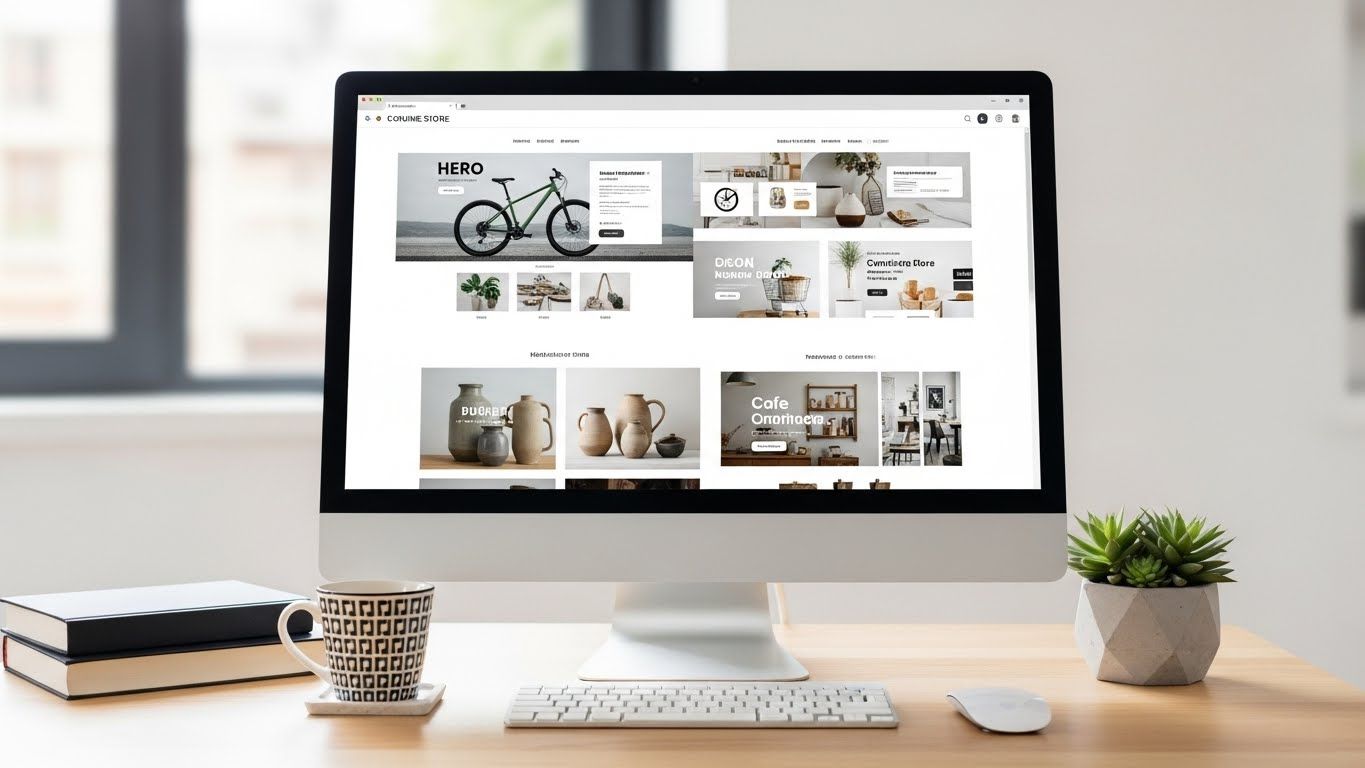
First impressions? They’re made in *0.05 seconds*. And if your homepage looks like a 2007 Geocities relic? Bounce city, population: *everyone*. The how to set up an ecommerce site golden rules for 2025:
- Hero section = value prop + visual proof. Not “Welcome!”—try “Softest socks since 1998 (yes, we counted).”
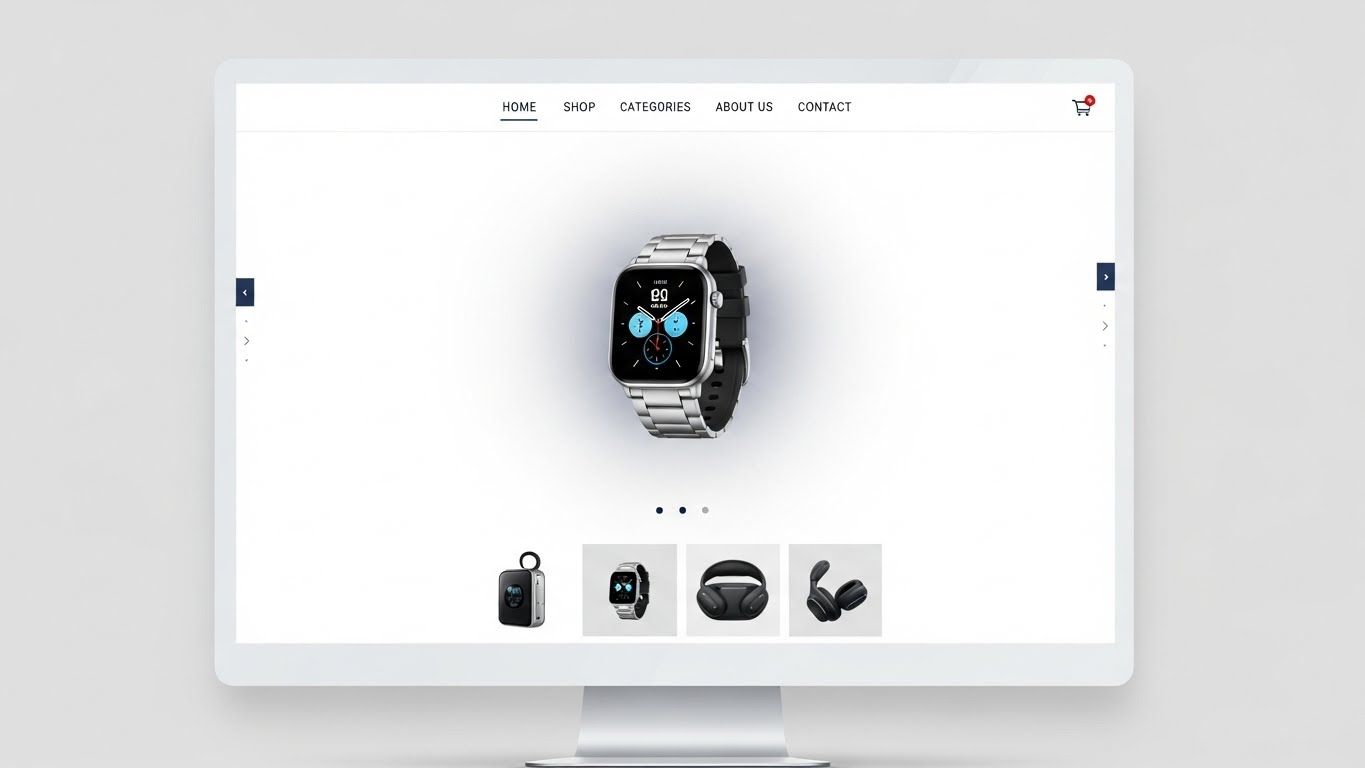
- Navigation? 4 items max: Shop, Story, FAQ, Cart (cart icon *always* visible)
- Trust signals above the fold: “Free shipping over $50”, “Carbon-neutral shipping”, “Featured in Vogue”
- Mobile load speed < 2.5 seconds—or Google penalizes you *and* users rage-quit

Product Pages That Don’t Read Like a Tax Form
Let’s be real: 80% of product pages sound like they were written by a robot who’s never *touched* the item. “100% cotton. Machine wash. Imported.” *Snore.* The how to set up an ecommerce site secret? *Sell the feeling, not the fabric.* That $68 hoodie? It’s not “heavyweight fleece.” It’s *“your 3 p.m. slump armor—soft inside, tough outside, pockets deep enough for existential dread.”* Back it with:
- 3+ high-res photos (lifestyle, detail, size reference)
- 15-sec silent video (unboxing, stretch test, coffee spill resistance)
- “Fits like” guide (not just S/M/L—try “True to size, but size up if you like it slouchy”)
- Real UGC: “@taylormade_ in Oregon: ‘Wore this hiking + to brunch. Zero regrets.’”
Checkout Flow: Where 7 Out of 10 Carts Go to Die (and How to Save ‘Em)
Average cart abandonment rate? 69.99%. Why? Because your checkout’s got more steps than a TikTok dance tutorial. Fix it fast:
- Guest checkout. Mandatory. Forcing sign-up = instant bail.
- Single-page flow: billing → shipping → payment → *done*.
- Apple Pay / Google Pay buttons—top of form. 40% of mobile users expect it.
- Real-time shipping calc (no “calculating…” spinners)
- Exit-intent popup: “Wait! Free shipping if you spend $10 more”
LLC, Sole Prop, or “I Swear This Is Legit” Handshake?
“Do I need an LLC to start an online store?”—asked every founder while Googling “can the IRS take my Xbox?” Short: *No.* You can legally operate as a sole proprietor using your SSN. But—*big but*—an LLC (Limited Liability Company) shields your *personal* assets (house, car, Nana’s heirloom teacups) if things go sideways. Cost? $50–$500 depending on state (looking at you, Cali). Filing’s easy:
- Pick a name (check state biz registry)
- File Articles of Organization (~$100–$300)
- Get an EIN (free, IRS.gov)
- Open a biz bank account (keep $$ separate!)
SEO, Social, and the Myth of “Build It and They Will Come”
Newsflash: Your shiny new store? Google *hasn’t* noticed. Neither has Instagram. “Build it and they will come” is a fairy tale told by people who’ve never run Meta ads. Real how to set up an ecommerce site growth = 20% build, 80% hustle.
“Your first 100 customers won’t find you. You’ll find *them*.” — Anonymous Shopify founder, probably crying into a laptop at 3 a.m.Start *before* launch:
- Post “build diaries” on TikTok (“Day 4: Why my logo looks like a confused owl”)
- Seed 10 free units to nano-influencers (1k–10k followers)—*real* people > celebs
- Optimize image filenames:
hand-poured-soy-candle-maple-vanilla.jpg>DSC_4829.jpg - Blog 1x/week: answer *actual* Google questions (“How to store beeswax wraps?” → backlink gold)
Launch Isn’t the Finish Line—It’s Lap One
So you’ve launched. Congrats! Now: *don’t* just sit back and refresh Shopify Analytics every 6 minutes (we’ve been there). The how to set up an ecommerce site journey *truly* begins post-launch:
- Run a “broken link” scan monthly (Screaming Frog’s free version works)
- Refresh hero banners *with real customer photos* (not stock models)
- Test mobile load speed (Google PageSpeed Insights—aim > 90)
- Email every buyer: “How’d we do?” + $5 off next order
- Track *repeat rate*—not just revenue. LTV > CAC, always.
When you’re ready to go deeper, swing by Public Market, explore the Ecommerce hub, or geek out with our step-by-step walkthrough: How to Set Up E Commerce Website: A Guide. ‘Cause every empire starts with a single “Add to Cart.”
Frequently Asked Questions
How do I create my own eCommerce website?
To how to set up an ecommerce site, start by choosing a platform like Shopify (easiest), WooCommerce (flexible but technical), or BigCommerce (B2B-ready). Register a domain, pick a mobile-optimized theme, add products with lifestyle photos and benefit-driven copy, integrate secure payments (Stripe, PayPal, or Shopify Payments), enable guest checkout, and test rigorously on mobile. Launch with 3–5 core products, then optimize based on real customer behavior—not assumptions.
What are the 4 types of e commerce?
The four main types are: B2C (Business-to-Consumer—e.g., Nike.com), B2B (Business-to-Business—e.g., Alibaba wholesale), C2C (Consumer-to-Consumer—e.g., eBay), and C2B (Consumer-to-Business—e.g., freelancers selling services on Upwork). For most new founders tackling how to set up an ecommerce site, B2C is the default—and simplest—starting point.
Do I need an LLC to start an online store?
No, you don’t need an LLC to legally sell online—you can begin as a sole proprietor. However, forming an LLC (cost: $50–$500) protects your personal assets and adds credibility. For the how to set up an ecommerce site journey, launch fast under your name, then formalize with an LLC once you’re earning $3k–$5k/month consistently.
How much money do I need to start an ecommerce?
You can launch a basic how to set up an ecommerce site for $100–$300 (domain, Shopify plan, free tools). A polished, scalable store costs $500–$1,500 (pro photos, copy, test ads). Custom builds run $2k–$5k+. Hidden costs include payment fees (2.9% + $0.30/sale), apps ($10–$50/month), and returns processing. Start lean, validate fast, then reinvest profits.
References
- https://www.shopify.com/research/ecommerce-statistics
- https://www.baymard.com/lists/cart-abandonment-rate
- https://www.sba.gov/business-guide/launch-your-business/choose-business-structure
- https://developers.google.com/speed/pagespeed/insights